Registration is available again. If you have not registered yet, act quickly.
1. Download the N26 App
Use a German proxy first, then click this link to register on the web: registration link
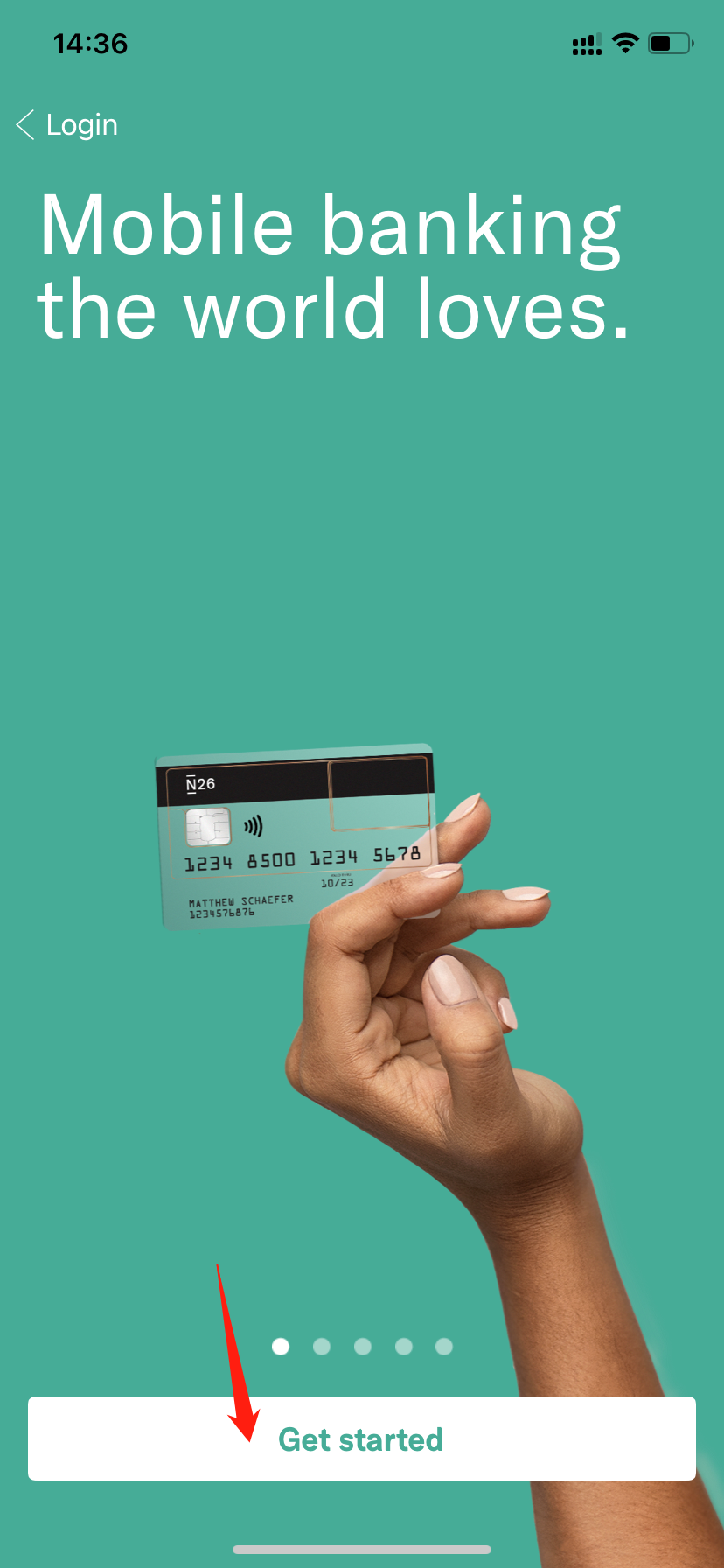
Then search for and download the N26 app from the App Store or Google Play, and follow the steps below to register.

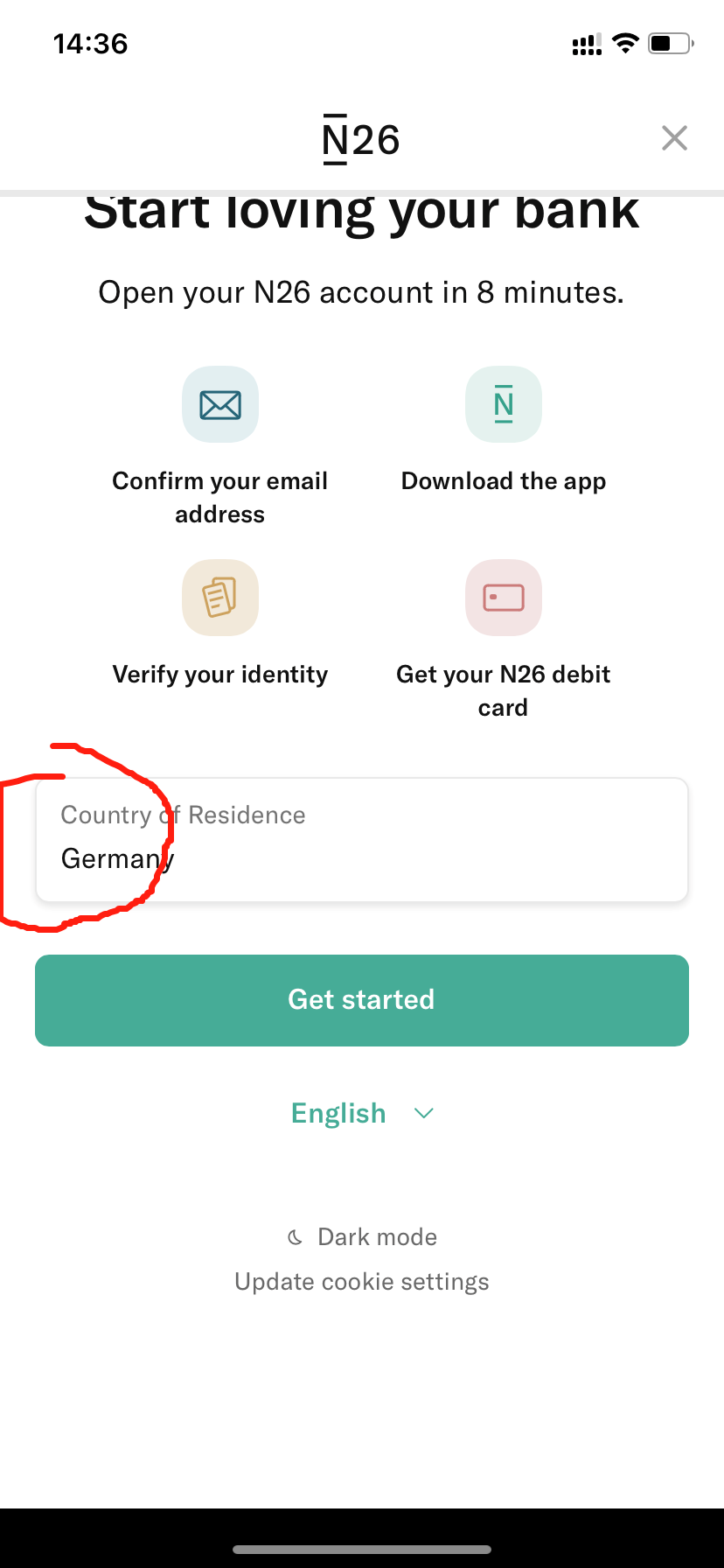
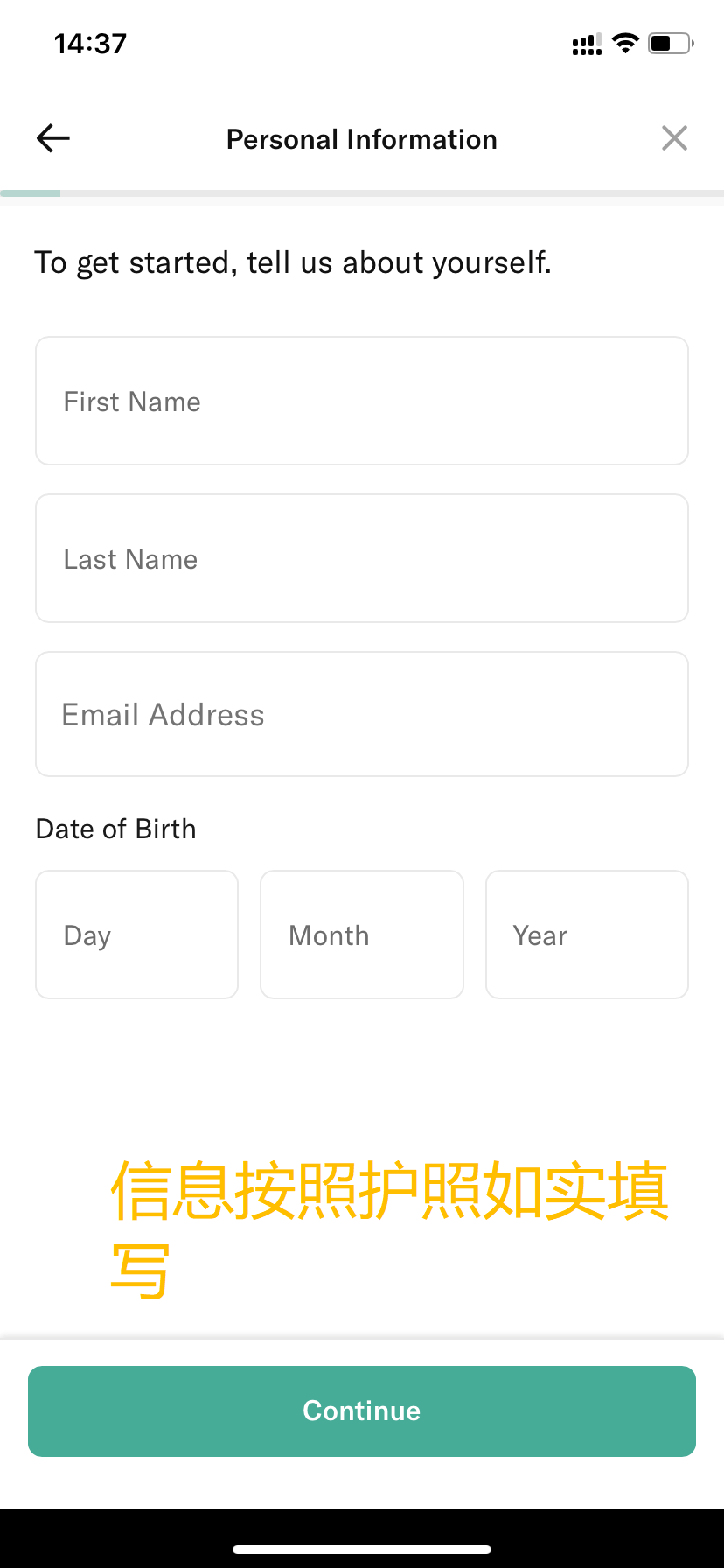

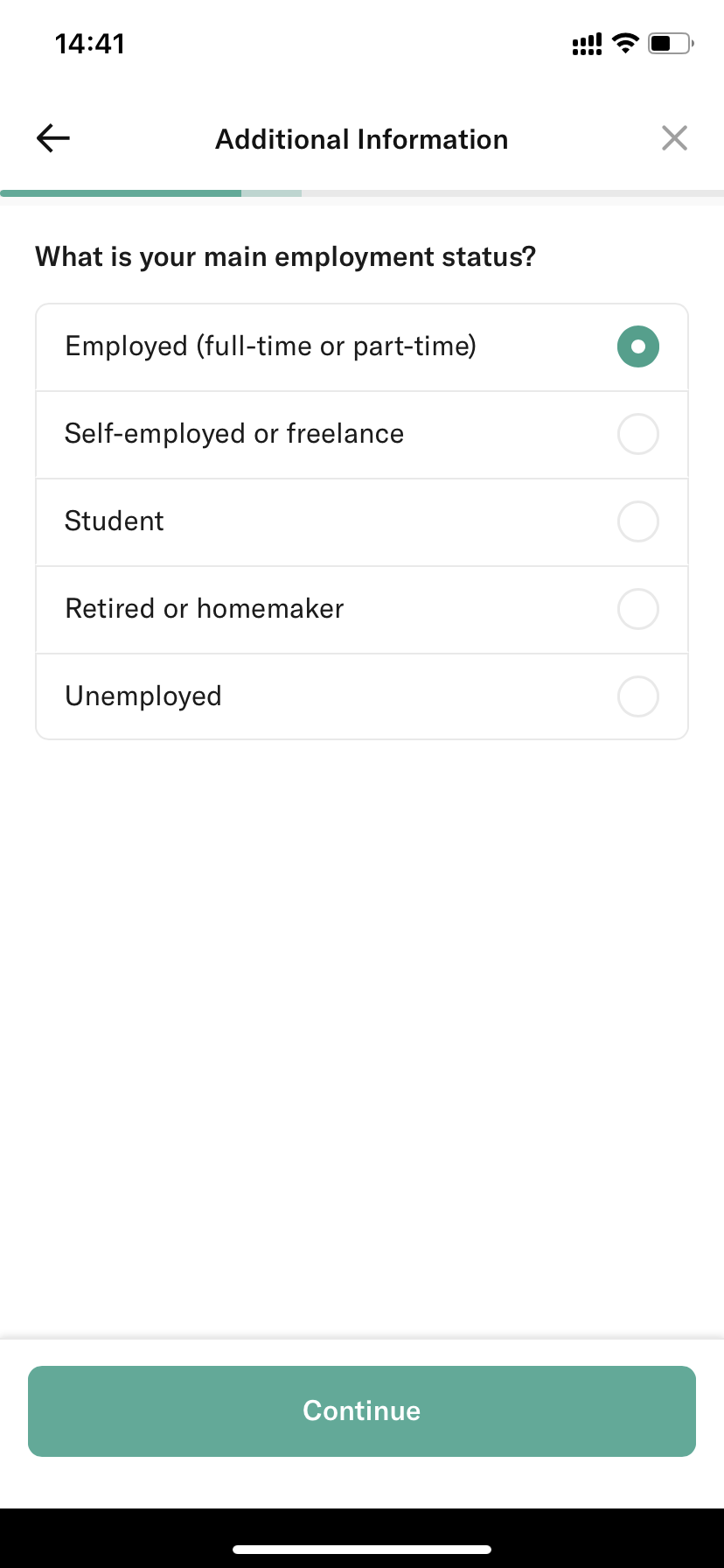
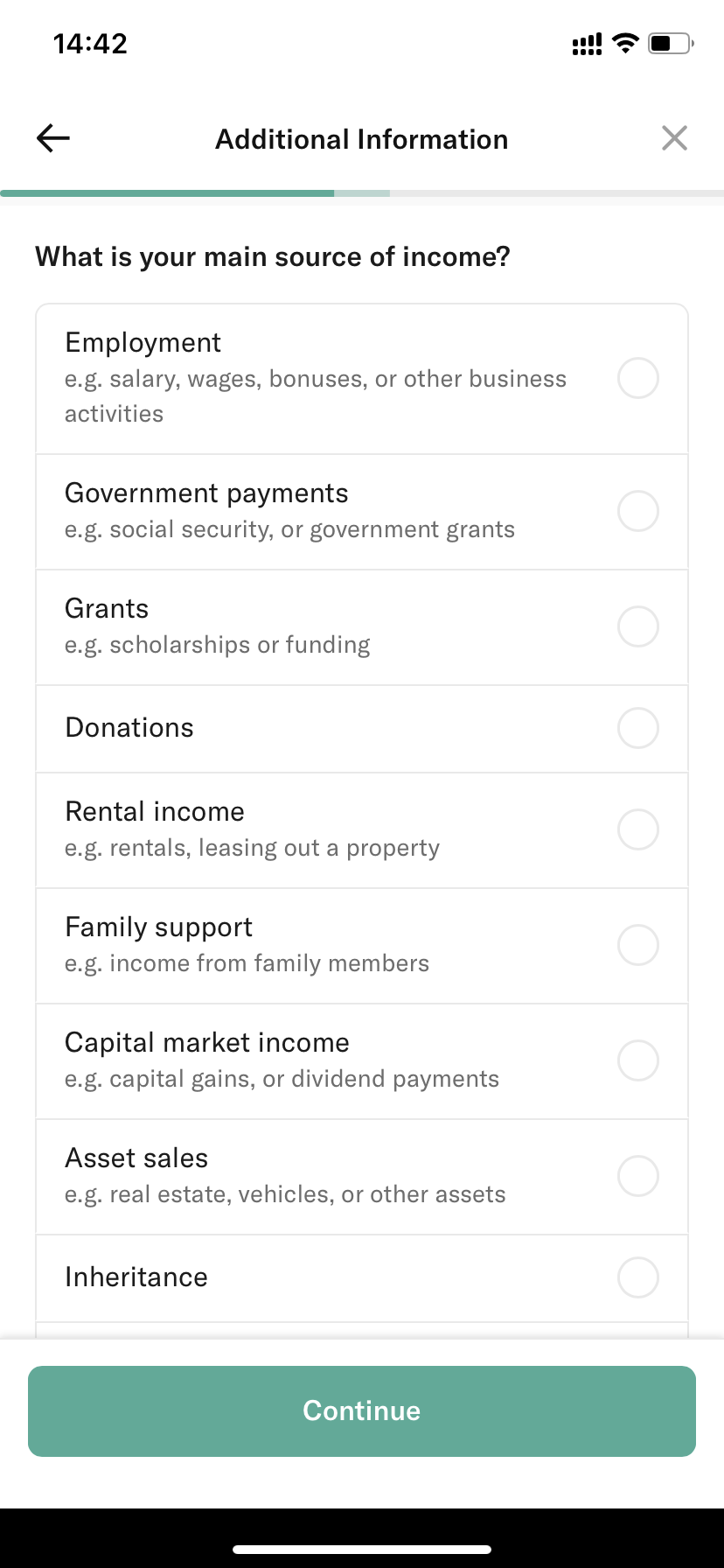

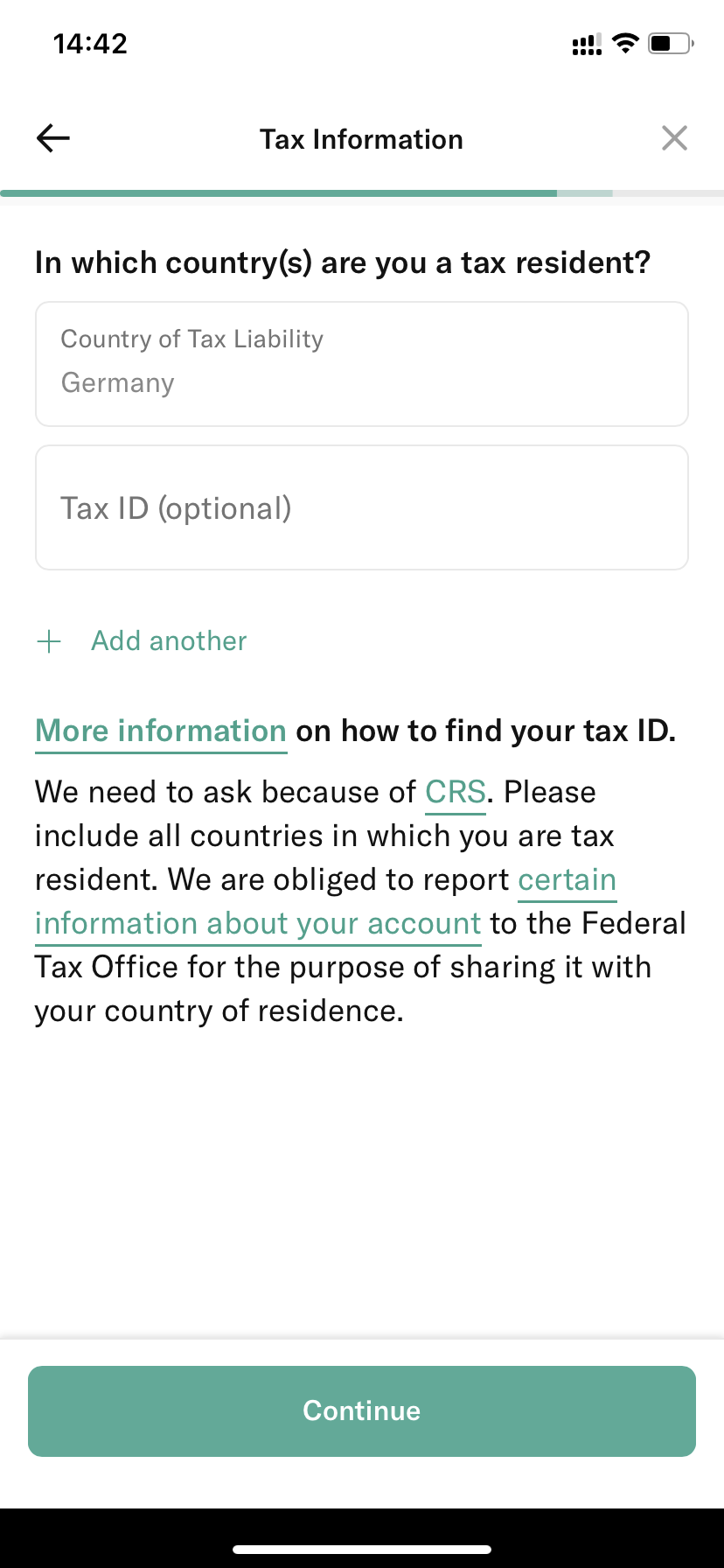
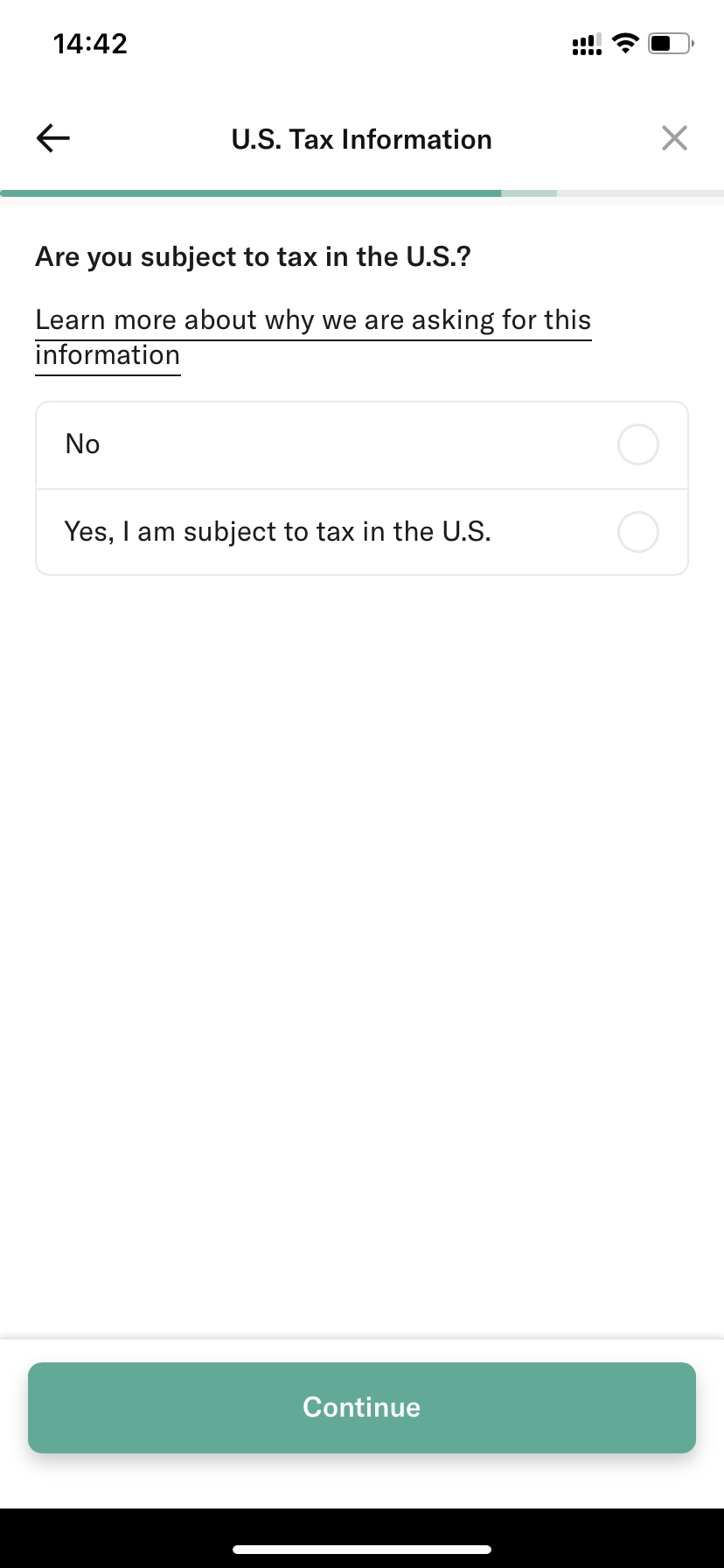
Select NO directly. After completing the options above, submit the form.
If there is a place to enter a referral code, you can use haihuaw4351 to receive a EUR 15 bonus.
After registration, the next step is video verification.
2. Video Verification
I completed verification at around 8 p.m., and the connection was fairly quick.
The following questions are usually asked:
1. Account Opening Confirmation
They may ask whether you want to communicate in German or English.
Answer: English
If the agent cannot support English, hang up and restart the video call to get another person. Do the same if you encounter a bad attitude.
1.1 Please Tell Me Your Name
Answer: You can read your name in pinyin or spell it letter by letter.
2.2 Your Email Address
Answer: Read . as dot.
2.3 Is This Email Address Used Only by You?
Answer: yes
2.4 Is the Password Known Only by You?
Answer: yes
2.5 Reason for Opening This Account
Answer: Shopping online, or another truthful reason.
2.6 Do You Have Any Device to Receive Text Messages?
Answer: yes
2.7 How Did You Learn About N26?
Answer: my friend, or another truthful source.
2.8 Your Nationality
Answer: China
2. Passport Verification
1. Take a Photo of Your Face
Details: They may ask you to wave your hand in front of your face, then open five fingers beside your face and move your hand slowly from left to right.
Do not move too fast.
2. Take Photos of Your Passport
You may need to follow these instructions:
2.1 Turn to the photo page, take a complete picture, adjust the angle, and show the security watermark.
2.2 Move the camera close to the passport portrait and take a photo. You may be asked to press your finger on the portrait while taking the photo.
2.3 Move the camera close to the passport number and take a photo.
2.4 Move the camera close to the passport symbol. Note that they may ask you to keep changing the angle to show color changes, and may ask you to press half of the symbol with your right thumb or index finger.
2.5 Move the camera close to the passport watermark and rotate it at different angles to show color changes.
2.6 Close the passport and take a photo of the cover.
The order is not fixed. You may not need to do every step, and there may be other requests.
3. Close the Passport and Answer Personal Information Questions
3.1 What Is Your Date of Birth?
3.2 Your Birth City or Country?
3.3 What Is Your Passport Number?
Answer truthfully in English.
3.4 Are You Opening the Account of Your Own Free Will?
Answer: yes
3.5 Are You Being Instructed by Someone Else to Open the Account?
Answer: no
3.6 Will Only You Use This Account?
Answer: yes
4. Enter the SMS Verification Code
You will receive a mobile verification code. After entering it, the agent will say the video verification is complete.
3. Funding the Account
3.1 Register Two PayPal Accounts, with One Region Set to Germany
One PayPal account (A) must be German, and the German PayPal should be linked to the N26 account you just opened.
The other PayPal account (B) can be linked to your regular payment credit card.
3.2 Pay the N26-Linked PayPal Account Using the Credit Card PayPal Account
This gives the PayPal account linked to N26 a balance.
3.3 Withdraw from PayPal to the N26 Debit Card
This lets you fund N26 with almost no loss.